
Wells
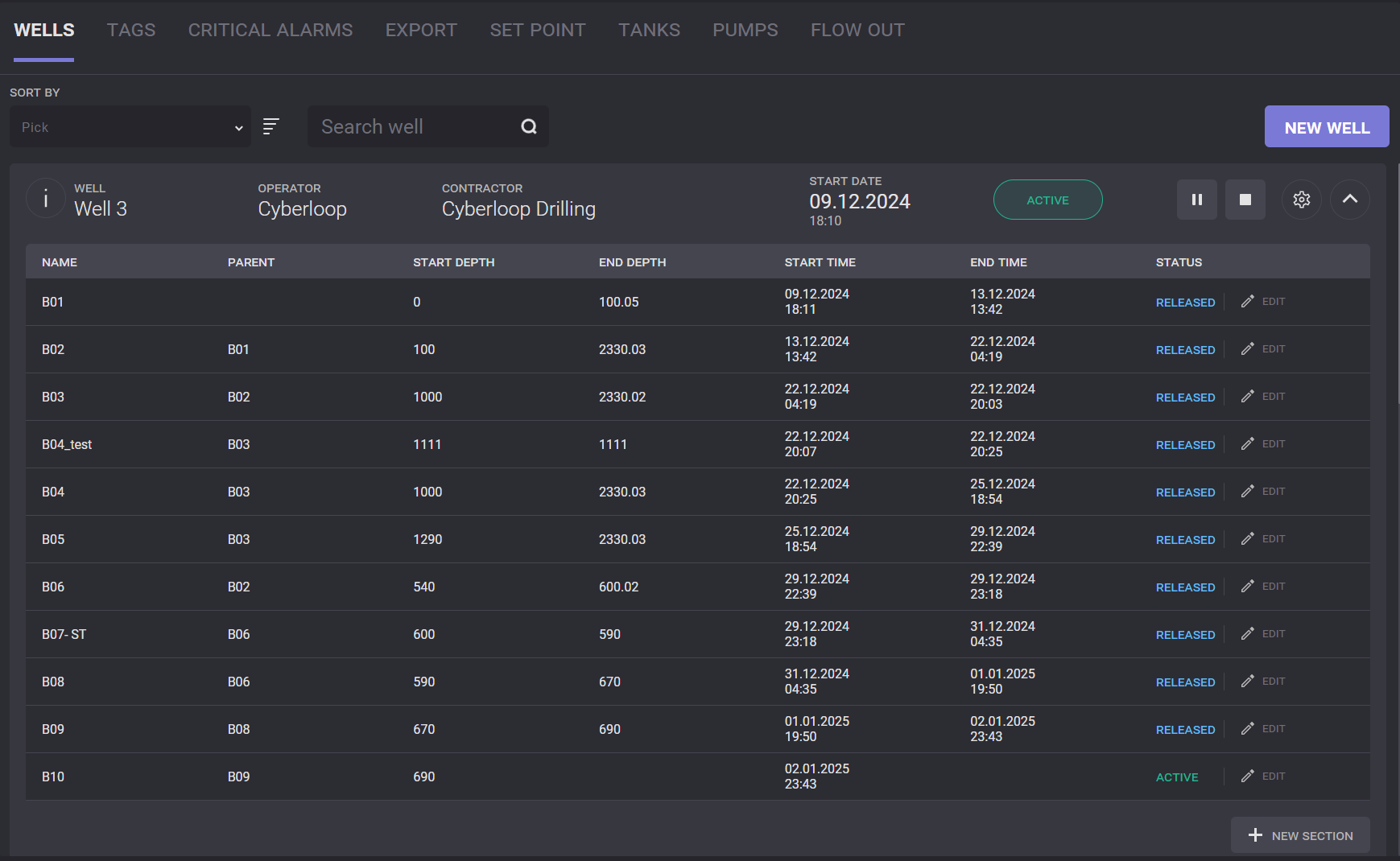
On the Wells page the user can view and manage the list of drilled wells and well sections. In the table are listed existing wells and major properties: Well Number, Operator, Contraсtor, Status, Start Date, Release Date.
Click on Info icon next to Well expands dialog with extended well information.
An active well can be edited, suspended or released by controls next to it. The suspended well is paused and can be restarted rather than the released well is stopped and cannot be restarted.

New section should be created to restart the well.
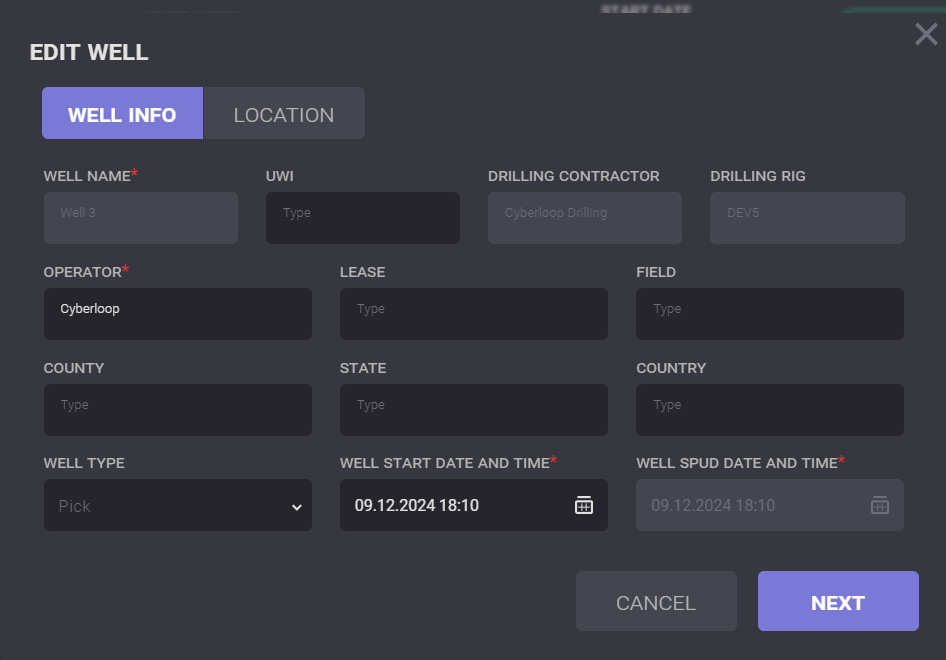
Click on Gear button opens Edit Well dialog. Common Well Parameters such as Operator, Lease, Field, County, State, Country, Well type, Well start date and time and Well spud date and time can be edited on the Well Info tab on the Edit Well dialog.
Sections
Sections of the Well can be viewed by clicking on the row of the well. An expanded table contains the list of selected well with the following data: section name, start time, start depth, end time, end depth, and status.
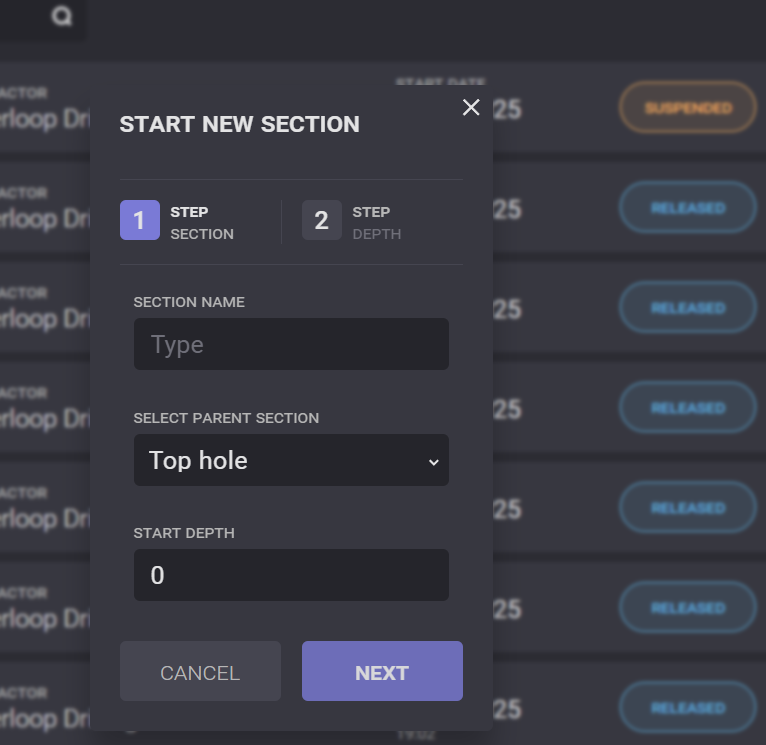
New section can be added to the currently active Well. By clicking the New section button in the sections list. In the modal window should be added section name, start depth and Parent section. A new section can be started only when the previous section has been released.
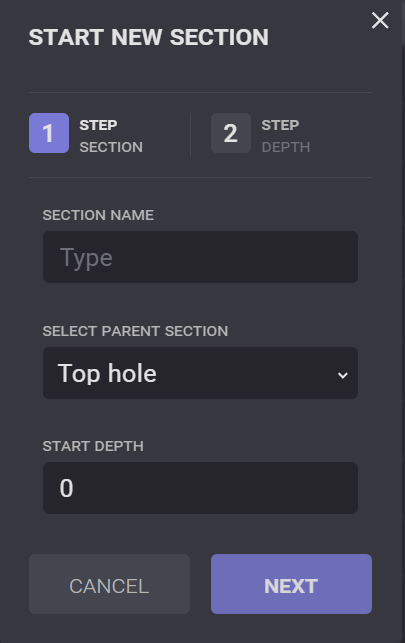
On the Next screen of the Start new section need to confirm changes of the Bit Depth and Well Depth before editing.
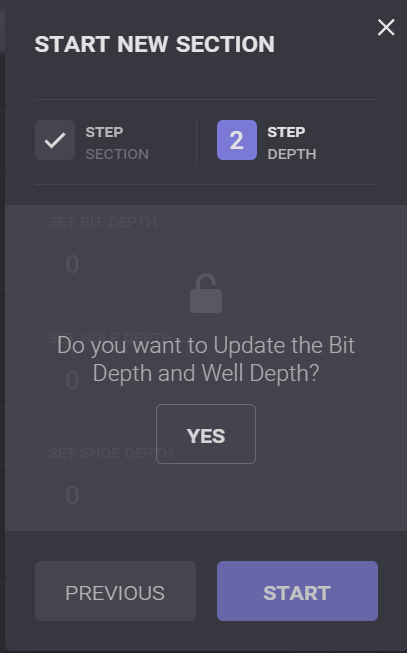
Note: Active section got automatically released on creating new section or on releasing current well
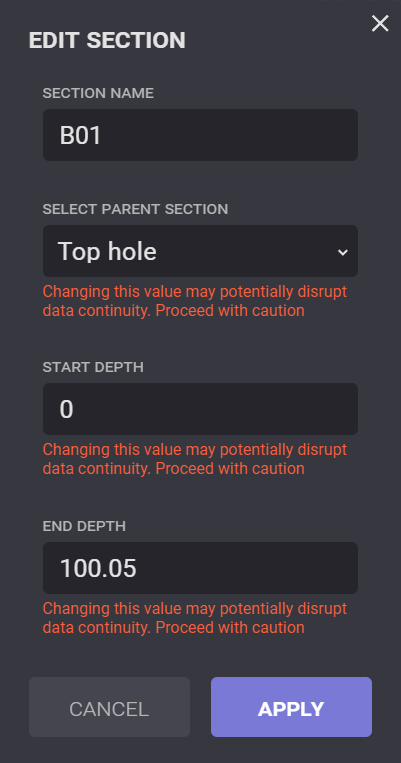
To change the parameters of the section click on the Edit button change name or depth values, parent section and click Apply. Both, released and active sections can be edited.
Creating new well
A new well can be created when the previous well is released or suspended.
To start the well click on the New Well button. In the opened Start a New Well window specify information about it: Well Name, UWI, Operator, Lease, Field, County, State, Country, Well Type, Well Start Date and Well Spud Date, First Section Name and Start Depth. The dates are automatically filled with the current date. Start and Spud date can be changed by the user.
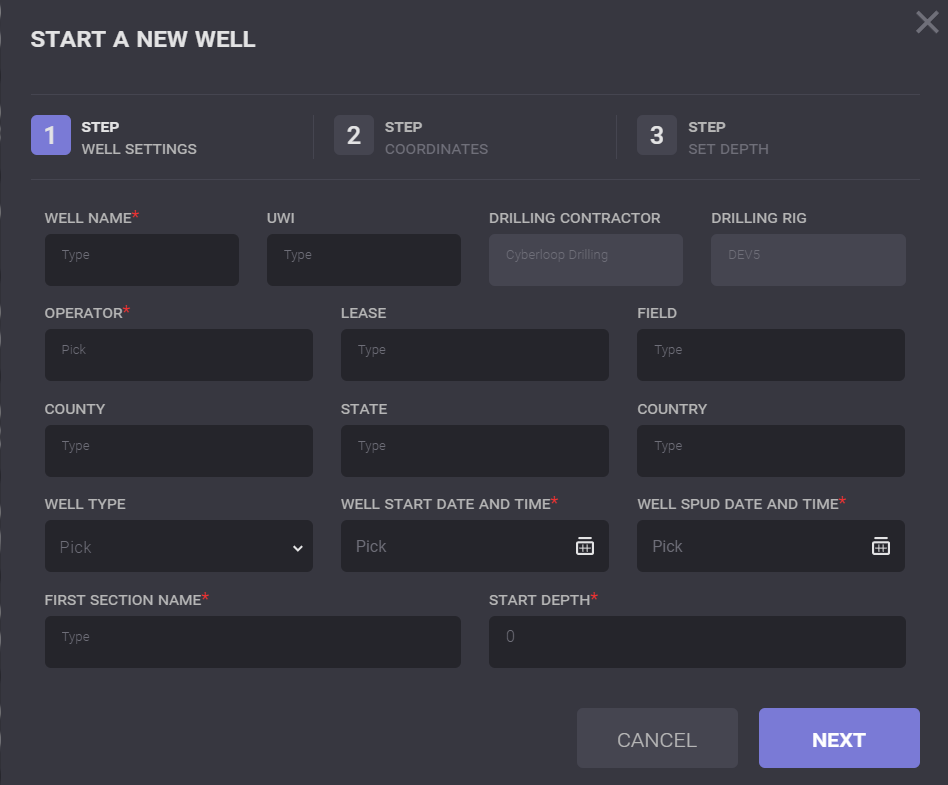
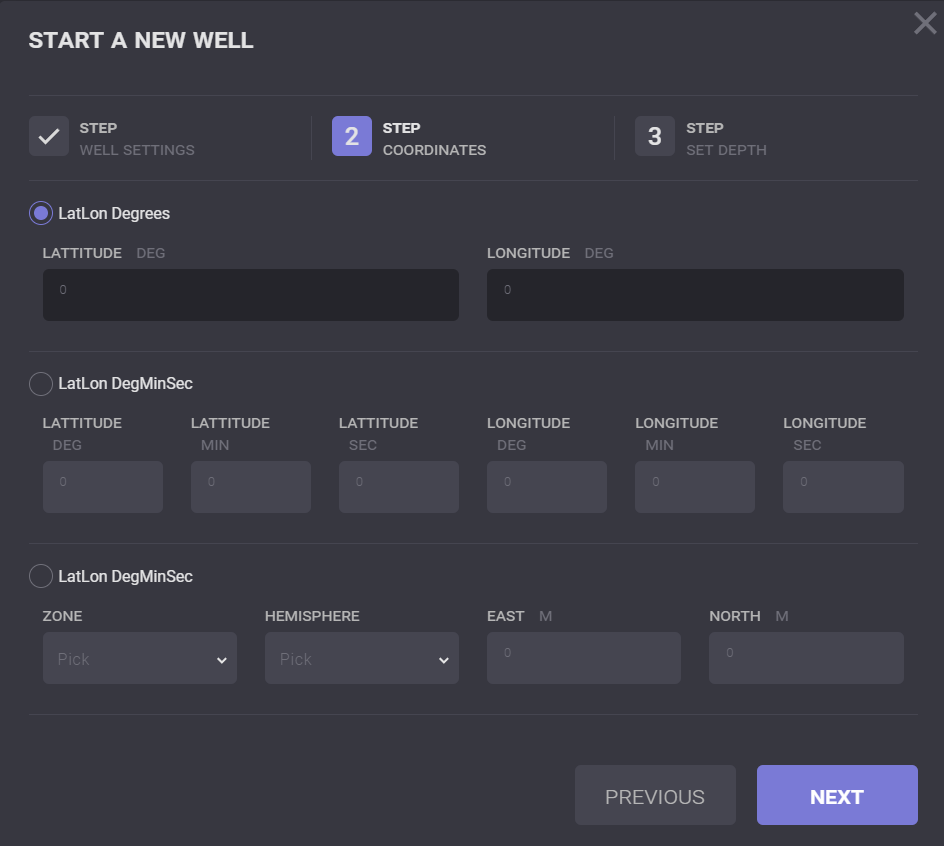
On click on the Next button switch to coordinates tab where Coordinates of the new well should be entered.
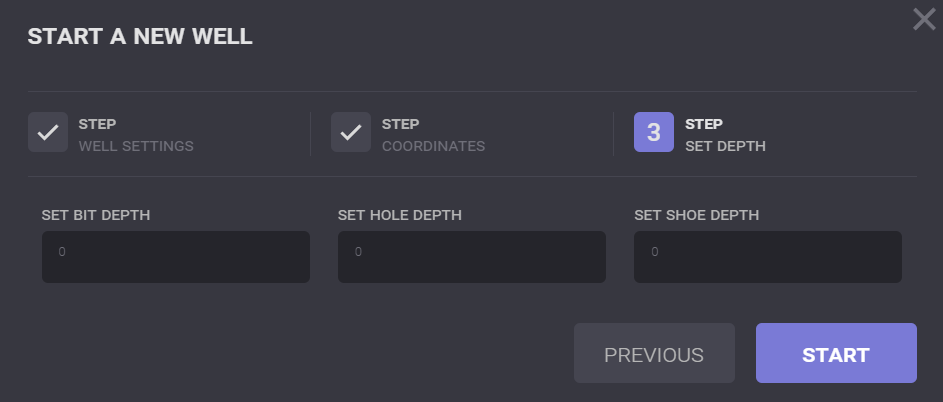
On the Next tab Set Bit Depth, Set Hole Depth and Set Shoe Depth can be entered.
When all information on the well is added click on the Start button and a new well will be added to the list with Active status.