
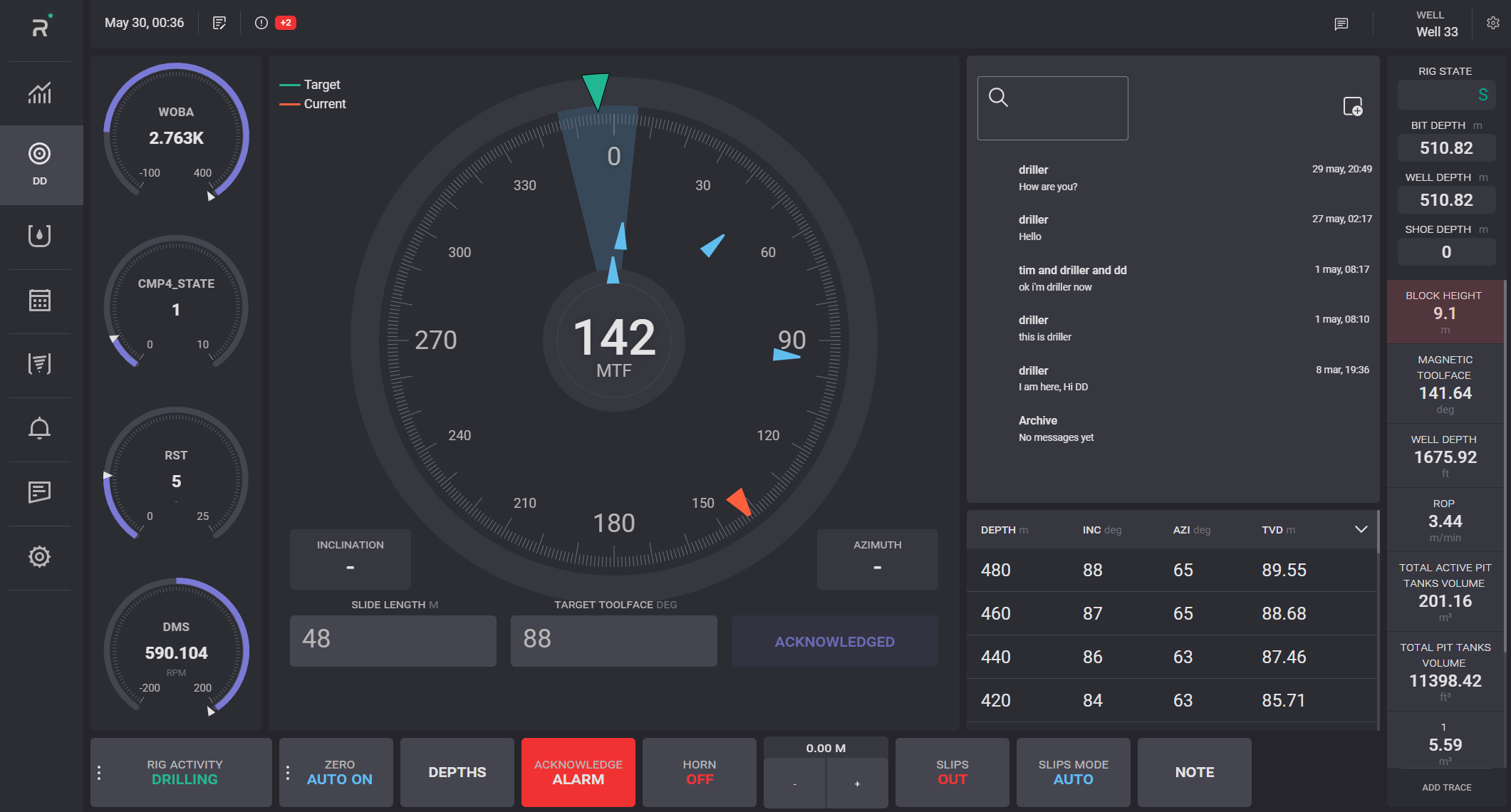
Driller Screen can be used to track the Magnetic Tool Face (MTF) and Gravity Toolface (GTF), Weight on bit (WOB), Differential pressure (DIFFP), Flow rate (FLR), Rate of rotation (RPM).
On the MTF gauge, the red pointer displays the current angle on the scale and the green pointer displays the target angle on the scale. Current angle value presented in the middle of the gauge. Target pointer can be hidden by clicking on its legend. Inclination and Azimuth values are displayed below the gauge.
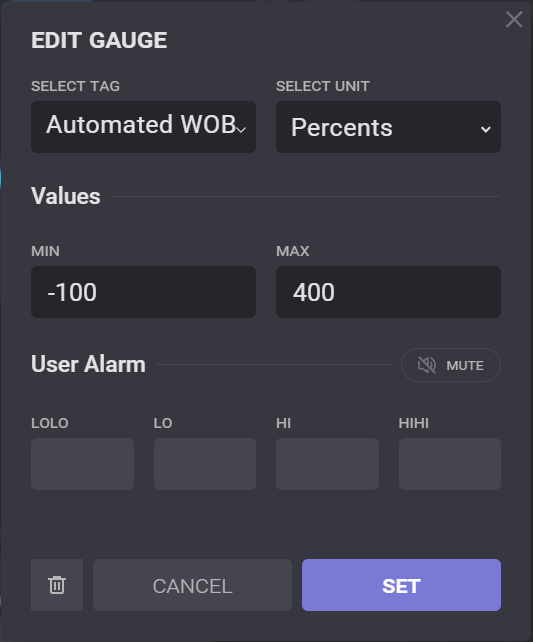
The gauges settings can be changed by clicking on it. In the opened Edit gauges the tag to be tracked can be changed, unit and max/min values of the scale can be defined.
To clear the gauges click on the bin icon in the Edit gauges dialog.
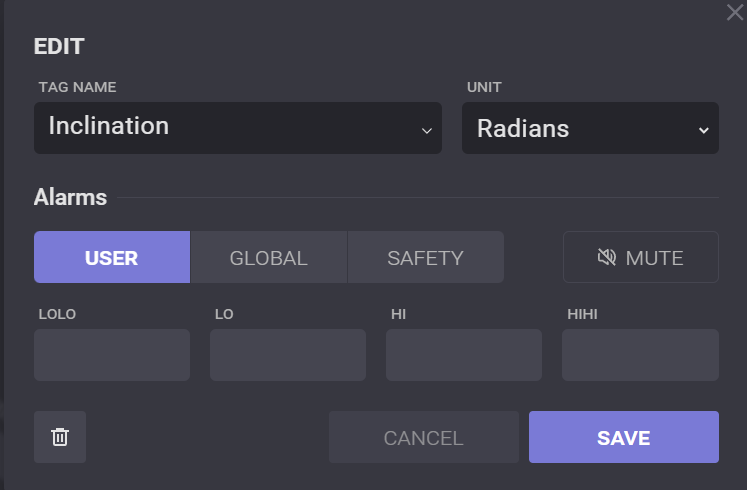
Inclination and Azimuth settings can be changed by click on it.
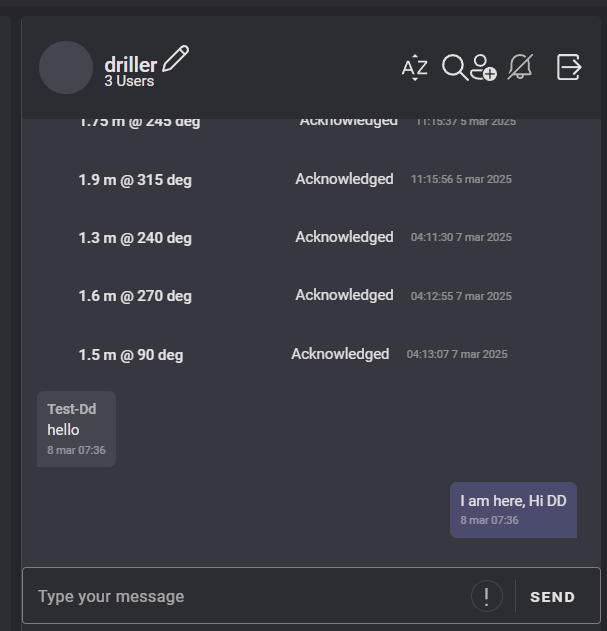
The request for acknowledgment of the slide length and target toolface values from the Directional driller can be confirmed by clicking on Acknowledged button. It can also be done through the chat.
Chat